01 / Organize
Give each employer a clear brief
Ask for a booth contact, a short introduction, open roles and recruiter availability. Group employers by industry, program or region so visitors can start with a relevant part of the fair.

For multi-employer fair organizers
A virtual job fair platform gives job seekers one place to explore employers, find openings and meet recruiters. Build your online job fair around what visitors should be able to do, not how many booths they can scroll past.
Easy to use. Guided onboarding. Personal support.
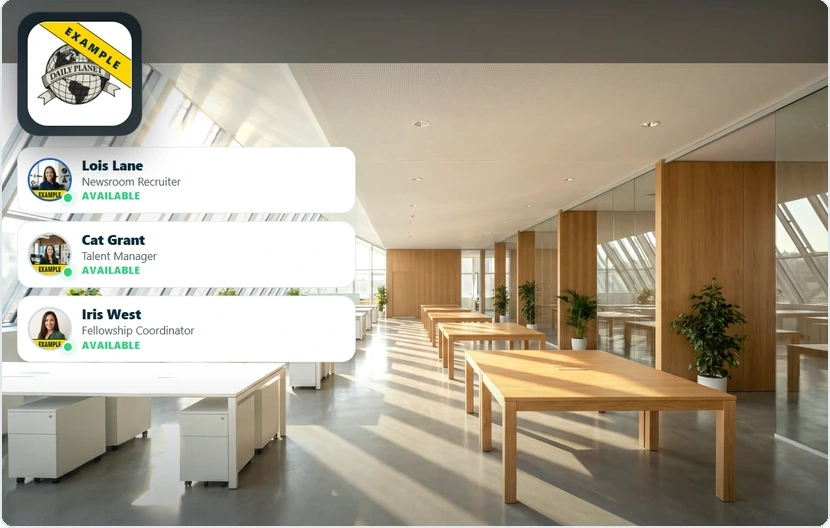
Planning guide
01 / Organize
Ask for a booth contact, a short introduction, open roles and recruiter availability. Group employers by industry, program or region so visitors can start with a relevant part of the fair.
02 / Welcome
Put the event schedule and employer directory within reach. A visitor can explore booths, read about jobs, join a live session or contact a recruiter. Explain when recruiters are online and how to apply.
03 / Follow up
Review attendance, booth activity and conversations with participating employers. Use that discussion to identify where candidates found relevant opportunities and where clearer listings or longer recruiter hours would help.
A university career center may organize booths by discipline or graduation year. A workforce board may group employers by county or hiring sector. Guided onboarding helps the organizer brief employers, test the visitor journey and agree on what to report afterwards.
Tell us roughly how many employers you expect and whether you are planning one live day or a series. We can scope the booths, recruiter onboarding and event-day support around that brief.
Get a quote for my job fairOnly your email is required.Connecting communities across education, business and workforce development.



Organizer questions
Visitors join the fair in a browser. For video interviews they will need a compatible device and permission to use a camera and microphone. Share joining instructions and the hours recruiters will be available before the event.
Employers have a branded booth where they can introduce their team and opportunities. Recruiters can talk with visitors and use scheduled meetings when that format is part of your event.
Request a demo and tell us your audience: students, alumni, regional job seekers or another group. We can walk through an appropriate example from the organizer, employer and visitor perspectives without exposing private participant data.
Explore related options:
PLANNING YOUR EVENT
Compare a free trial with the options for hosting one event or planning a recurring program.